Tap Away & Clear the Board
Slide capsule arrow pins out one by one in the right sequence to free the tangled puzzle board.
Look closely at the woven 3D puzzle board, trace which capsule pin is on top, check arrow exit paths, and tap pins away in the exact sequence. Simple one-finger controls, deeply satisfying spatial logic across 1,050+ handcrafted levels!
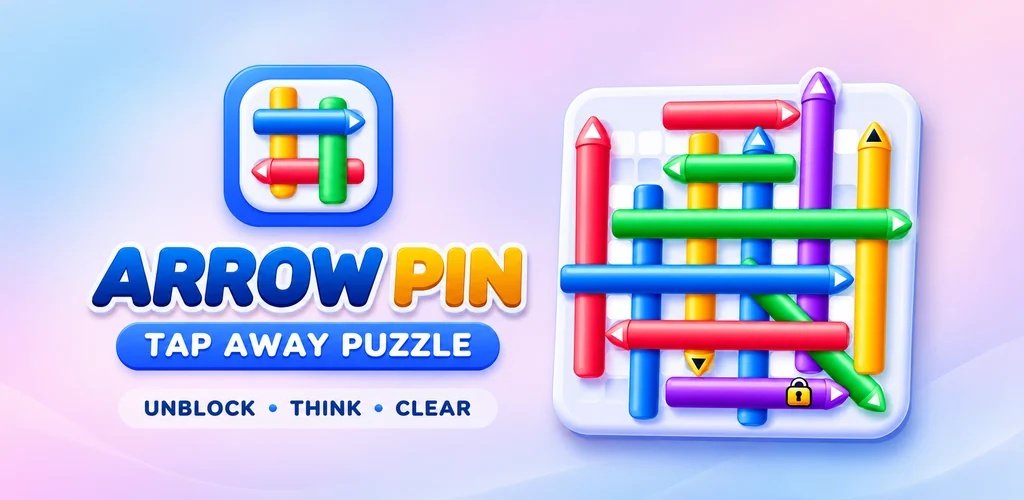
Tap any screenshot below to inspect the glossy capsule pins, combo streaks, key gates, and customizable settings in full resolution.
Slide capsule arrow pins out one by one in the right sequence to free the tangled puzzle board.
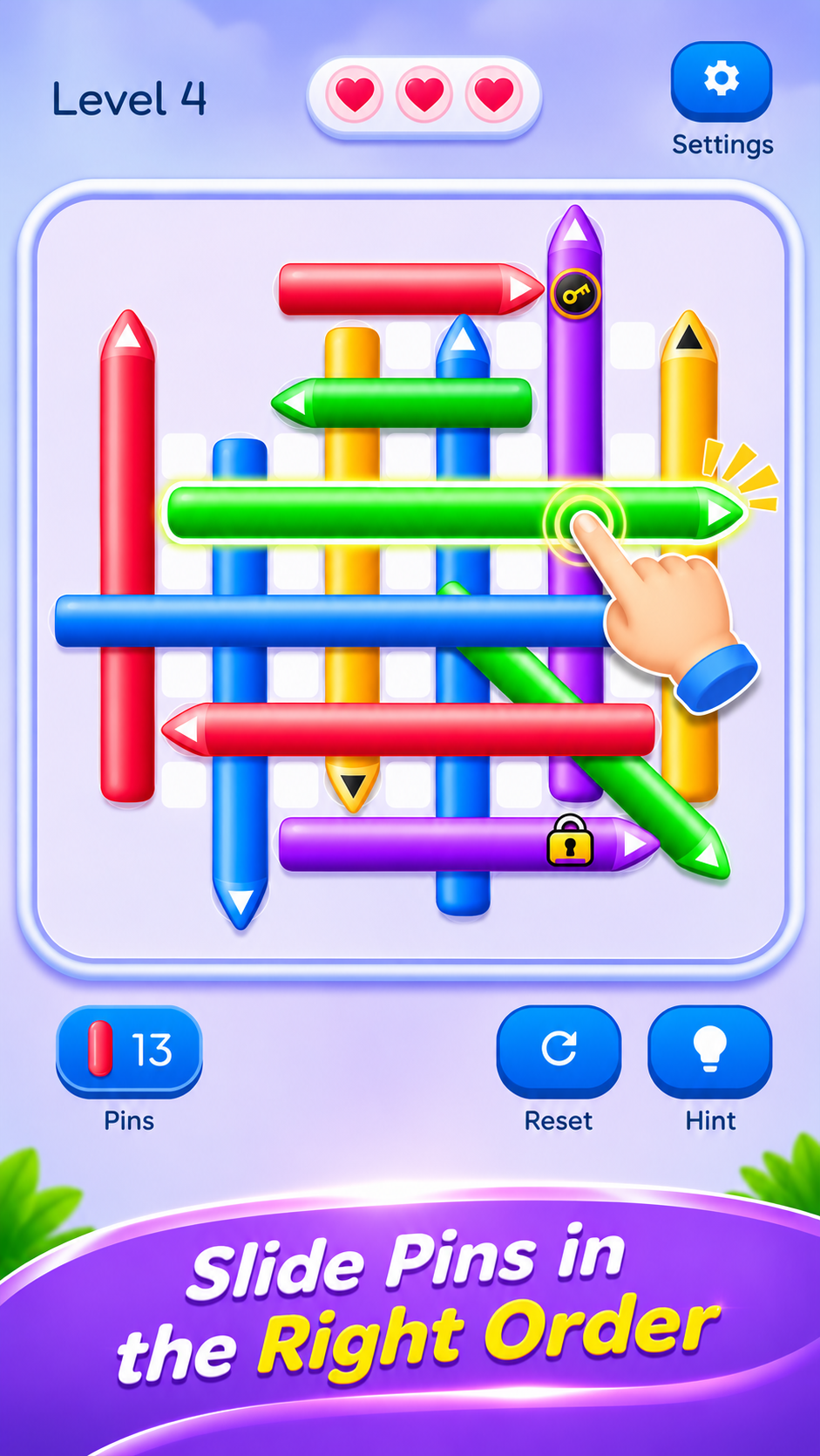
Trace which pin rests on top, check its exit route, and tap it away to unlock the pins trapped beneath.
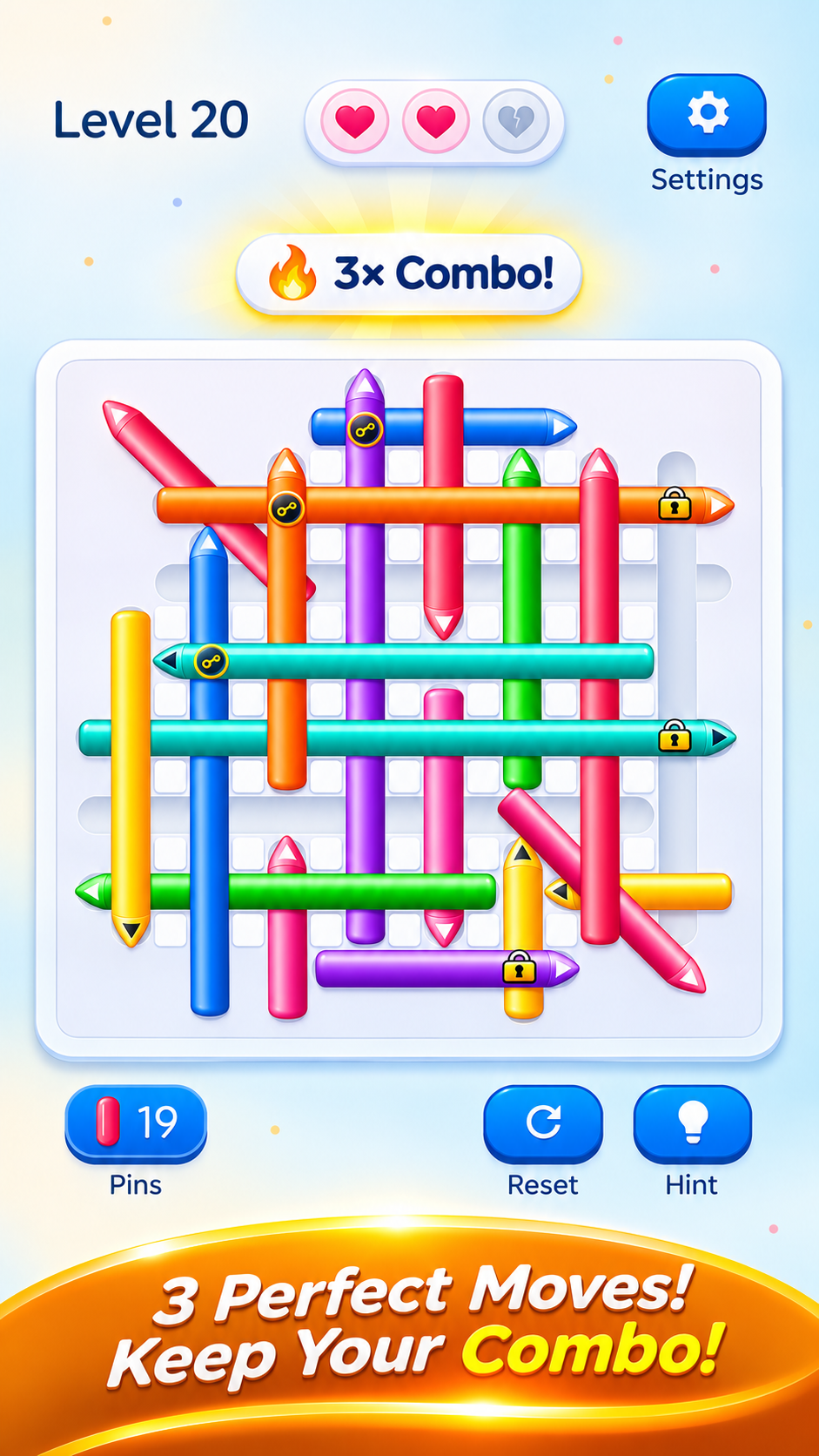
Chain consecutive perfect taps to multiply combos, pluck key pins, and open matching padlock gates.
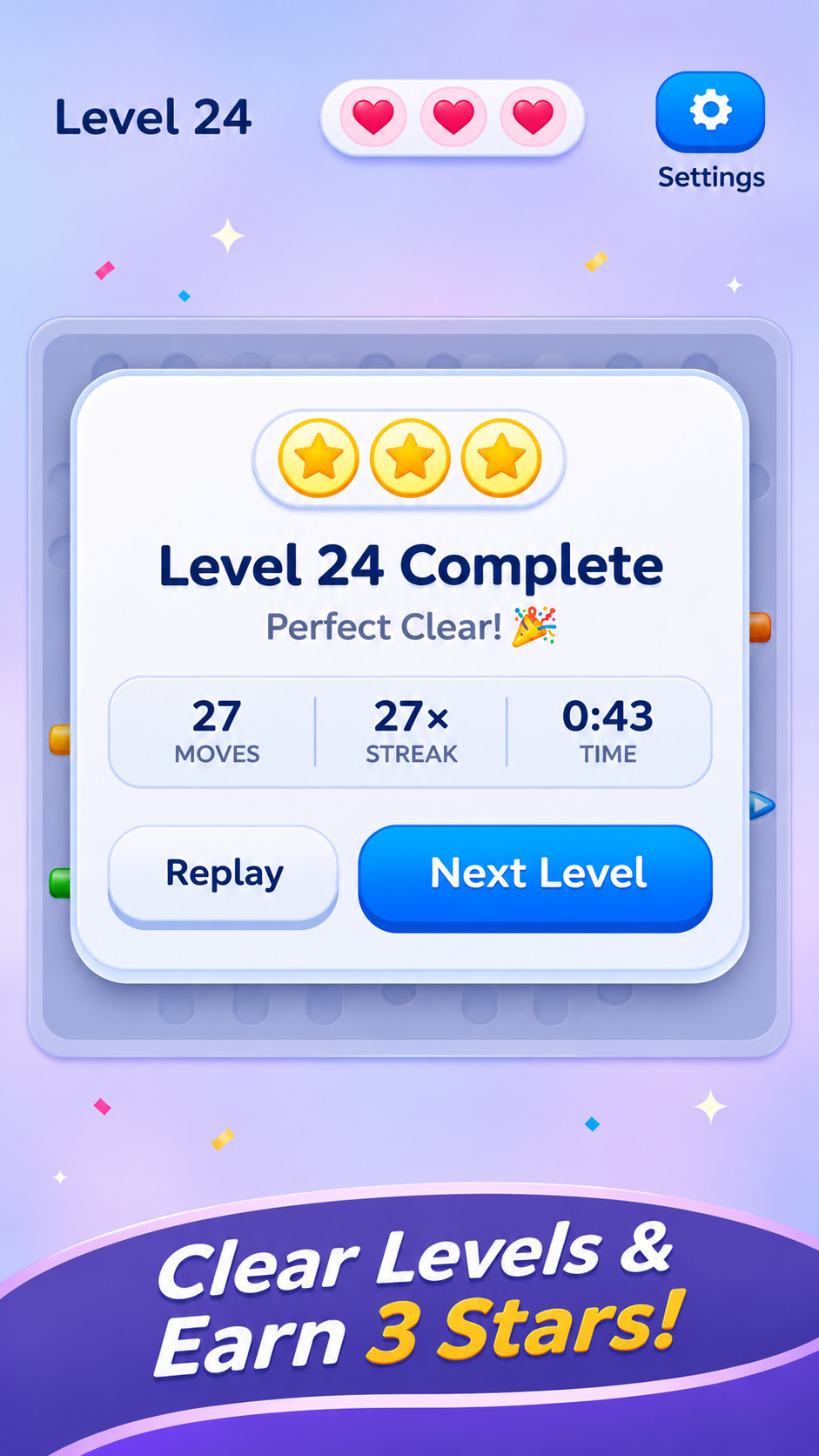
Solve each board without wasting hearts to celebrate perfect clears, high streaks, and bonus rewards.
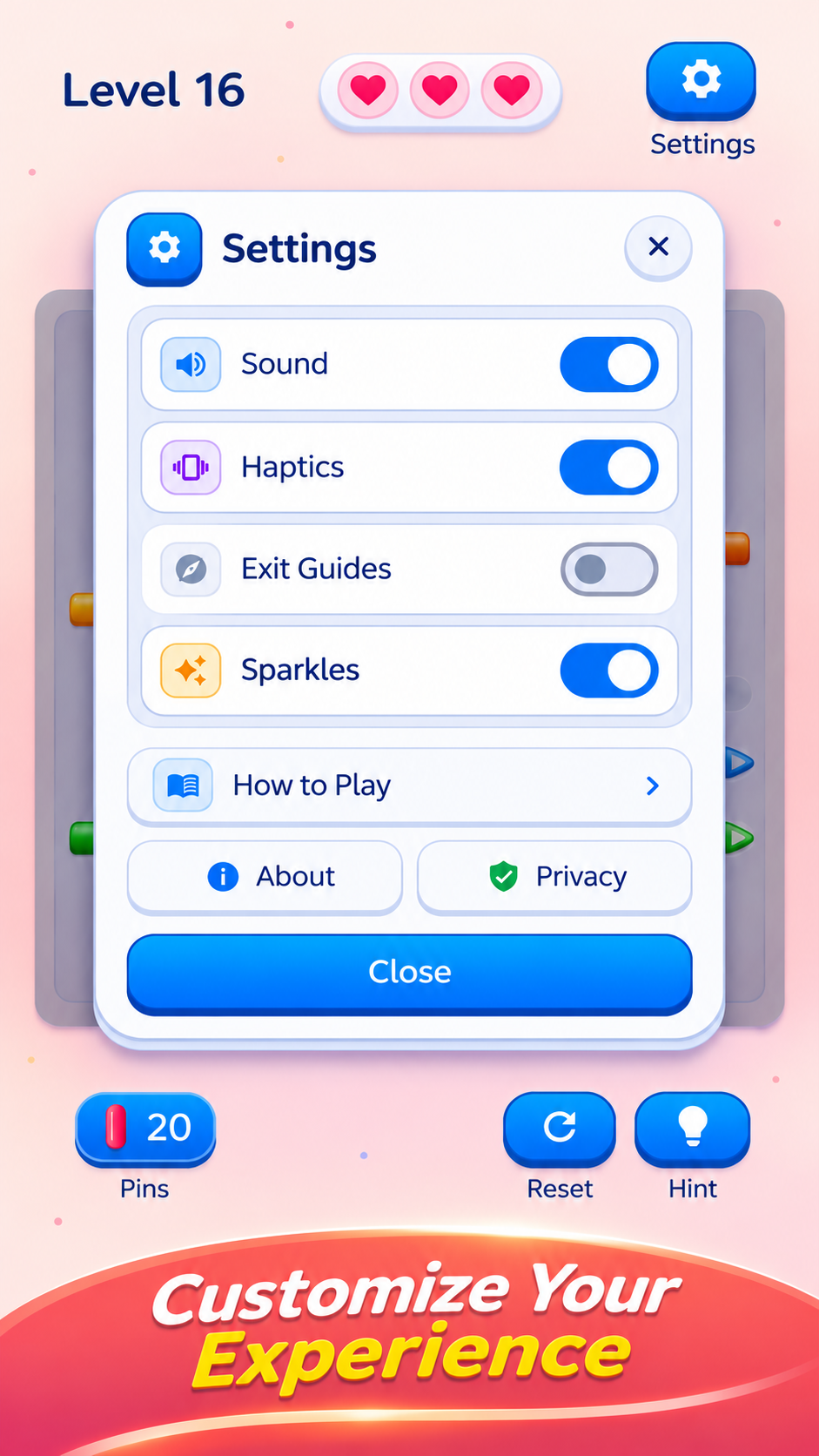
Toggle crisp sound effects, soft tactile haptics, directional exit guides, and celebratory sparkles.
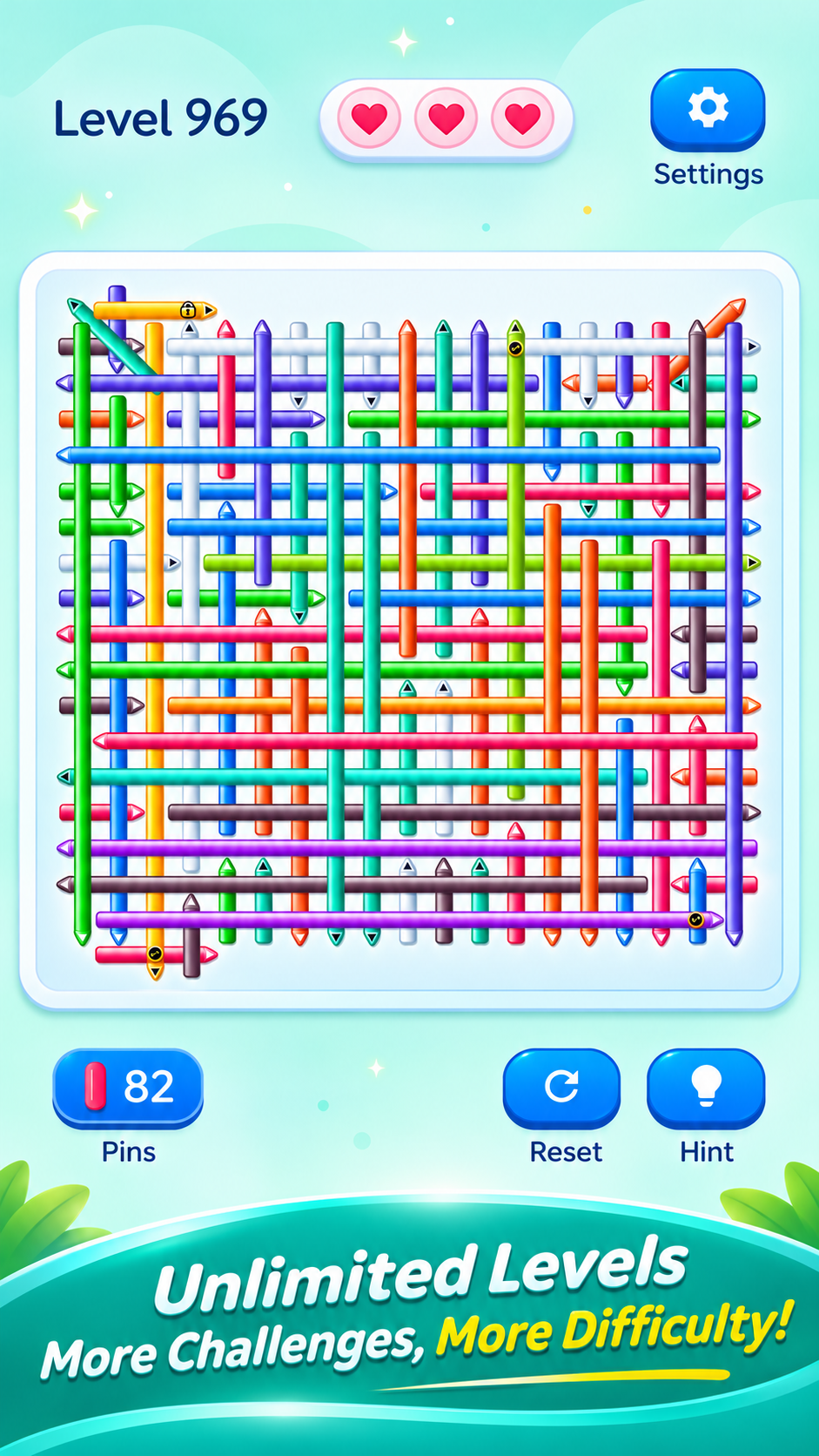
Progress from 6×6 warm-ups to 12×12 master grids with 80+ woven pins, plus ∞ Unlimited Mode after Level 1,000!
Every capsule pin slides out with satisfying physics—follow these 4 rules to master the perfect pluck!
Every 3D capsule pin slides forward toward its pointed arrow tip. Trace where it aims before tapping!
Pins weave over and under in a 3D grid. A lower pin cannot slide out until the crossing pin on top is cleared.
Ensure no other pin or obstacle blocks the lane leading to the edge of the board.
Each blocked tap costs 1 heart. Plan your sequence, unlock key padlocks, and maintain your combo streak!
As you progress through Arrow Pin's 10 chapters, fresh mechanics test your 3D spatial reasoning.
Pins cross over and under each other in a realistic 3D woven grid. Clear the top layer before releasing the bottom!
Certain arrow pins are locked behind padlocks. Locate and pluck matching key pins first to open the gates.
Frosted pins are locked in place and gradually thaw with each successful adjacent move you make.
Conquer diverse shaped grids including Diamonds, Crosses, Hollow Rings, Overpass Bridges, and Octagons.
Every blocked tap costs 1 heart. Think ahead, anticipate collisions, and maintain a flawless 3-Star streak.
Stuck in a tight knot? Use smart hints to illuminate the next free pin or toggle directional exit guides in settings.
Every tap delivers satisfying sensory feedback. Customize your in-game workshop experience anytime via the Settings panel: